> ## Documentation Index
> Fetch the complete documentation index at: https://magicpatterns.mintlify.site/docs/llms.txt
> Use this file to discover all available pages before exploring further.
# Live Multiplayer
> Work on the same design or canvas with your team in real time.
Magic Patterns is multiplayer everywhere, much like Figma. When you and a teammate open the same design or canvas, you both see who else is around and the page updates live as either of you (or the agent) makes changes.
## In the design editor
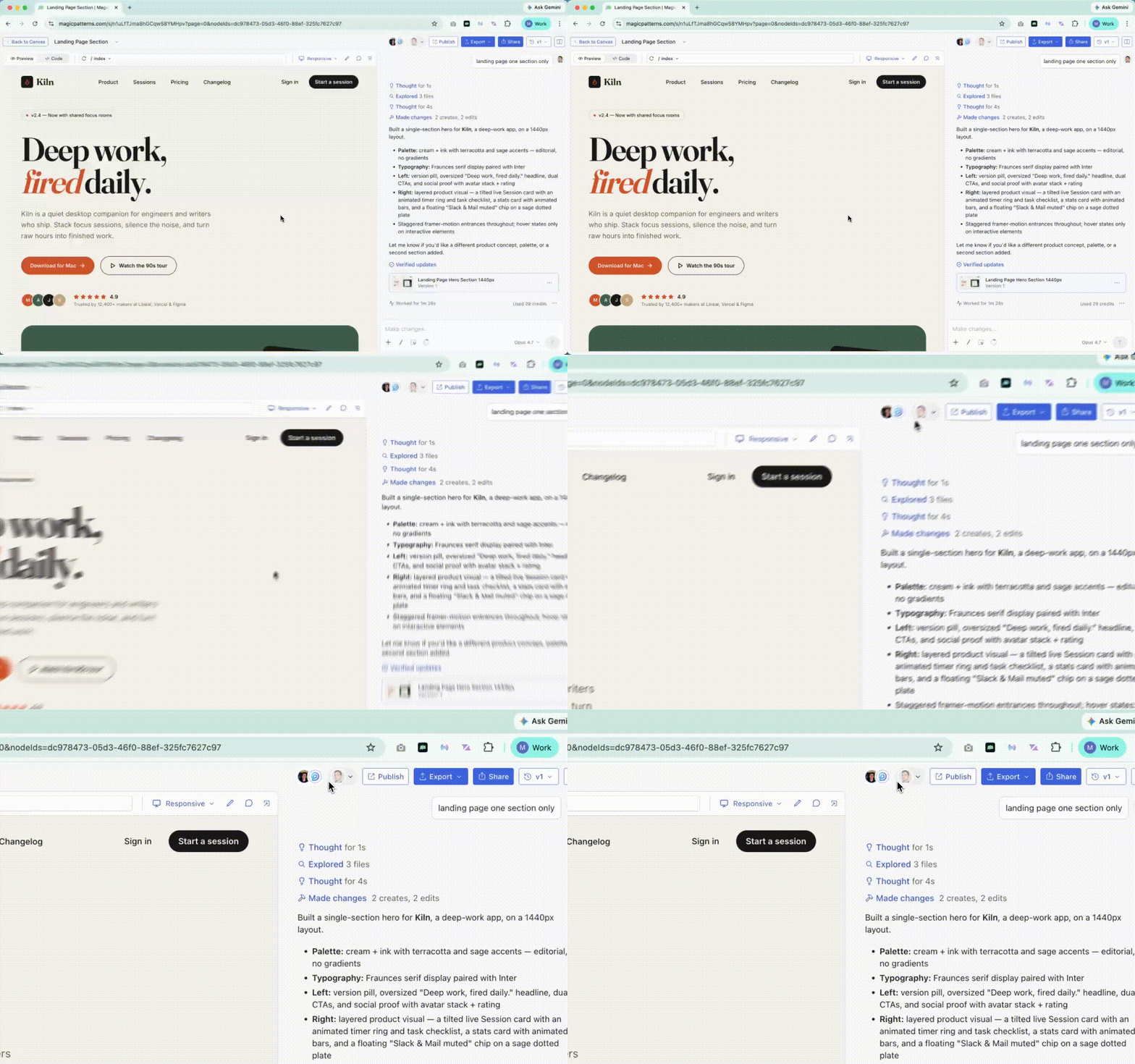
You'll see your teammates' avatars in the toolbar, and the chat thread, generations, and design preview update for everyone at the same time. Read-only viewers can follow along and leave [inline comments](/documentation/collaboration/inline-comments).
 ## On the canvas
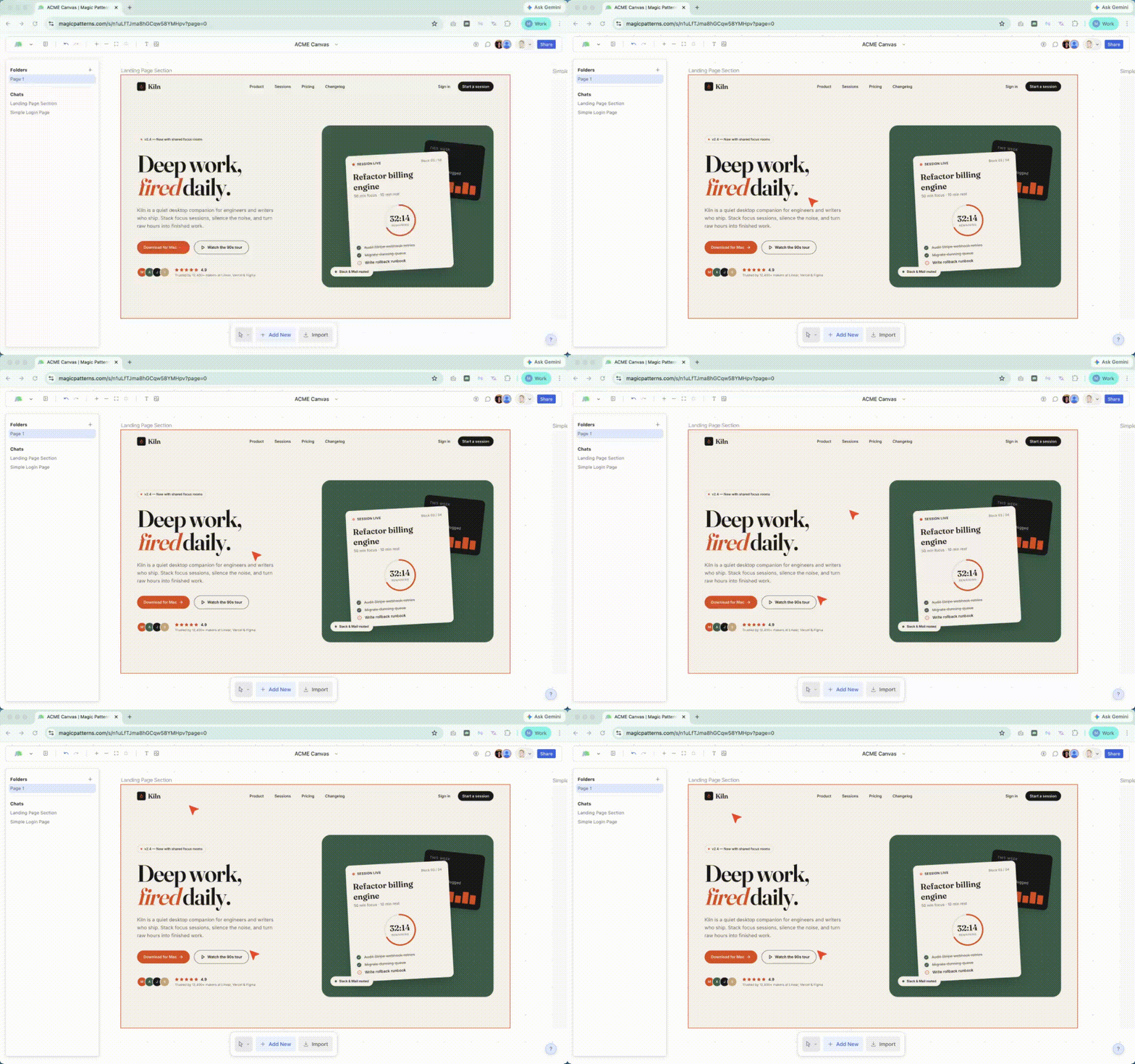
The [Canvas](/documentation/projects/getting-started) goes a step further with live cursors. When a teammate selects a screen, it gets a colored outline matching their cursor color, so you can see exactly where each teammate is and what they're working on.
## On the canvas
The [Canvas](/documentation/projects/getting-started) goes a step further with live cursors. When a teammate selects a screen, it gets a colored outline matching their cursor color, so you can see exactly where each teammate is and what they're working on.
 ## Who can join
Anyone with access to the design or canvas joins automatically when they open it. Set permissions through [Sharing Designs](/documentation/editor/sharing) and [Team Workspaces](/documentation/collaboration/team-workspaces).
## Who can join
Anyone with access to the design or canvas joins automatically when they open it. Set permissions through [Sharing Designs](/documentation/editor/sharing) and [Team Workspaces](/documentation/collaboration/team-workspaces).